Should you be outsourcing your IT? Explore why businesses outsource IT, the major factors to considers, pricing, and benefits in this guide.
Guide
Apr 16, 2026
Whether you're trying to scale fast or looking to reduce overhead, IT outsourcing is a strategy worth considering, but you should also take time to fully understand what it is and what it can do for your business.
If you’re on the fence about outsourcing, or just now considering it as an option, this guide is your starting point. Below, we’ll cover everything you need to know—from what services you can get to the costs involved, the benefits, and how to choose the right partner.
What Is IT Outsourcing?
Outsourcing means hiring an external provider to handle functions or services that could otherwise be managed in-house.
What outsourcing means in business is a strategic decision—one where a company deliberately shifts certain operations to a third party for a variety of reasons, like reducing costs, having access to more expertise, or freeing up internal resources for higher-priority work.
This practice spans almost every industry and business function, from customer service and HR to finance, legal, and manufacturing.
One of the most common and impactful applications of outsourcing in business is in technology, specifically IT, where outsourcing refers to the contracting of an external partner to manage, deliver, or support technology needs. Rather than maintaining a full in-house IT department, which can be expensive and time-consuming, businesses can tap into a ready-made team of specialists with the skills and infrastructure already in place.
Large enterprises have been outsourcing IT functions for decades. What has changed is accessibility, and outsourced IT’s ability to actually provide a more level playing field by providing enterprise-level technologies to everybody. Today, businesses of every size can leverage outsourced IT solutions thanks to cloud technology, remote working infrastructure, and a global talent pool.
What Is IT Outsourcing in Practice?
Outsourcing for businesses is entirely unique, depending on the industry, company size, and specific needs.
It might look like a retailer handing its entire IT support function to a managed service provider, a fintech startup outsourcing software development to an agency, or a healthcare company contracting out its data management and compliance monitoring.
The common thread is intent: businesses outsource IT not because they can't handle it, but because an external partner can often do it better, faster, or more cost-effectively.
When done right, it's about regaining control over your budget, your focus, and your growth, so leaders and teams can use technology seamlessly to achieve goals and look toward the future.
Insourcing vs Outsourcing IT
When businesses weigh insourcing vs outsourcing, the decision usually comes down to control, internal capacity, and long-term flexibility. Insourcing can make sense for organizations with the resources to staff and manage IT internally, while outsourcing offers a practical alternative for businesses that need broader expertise, more predictable costs, and support that can scale as needs change.
The right model depends on the structure of the business and the demands of its environment. As workloads grow, security needs increase, and planning becomes harder to manage internally, an outside partner can help bring more consistency to support, maintenance, monitoring, and long-term strategy. A closer look at insourcing vs outsourcing can help clarify which approach best aligns with operational needs and future growth.
Types of IT Outsourcing: Offshore vs. Nearshore vs. Onshore
When exploring IT outsourcing, one of the first decisions you'll face is where your provider is based. One of the biggest differences between each type of IT outsourcing below is the cost, but be aware this is much more than a cost decision! Compare and contrast offshore, nearshore, and onshore outsourcing below.
Offshore Outsourcing
Partnering with a provider in a distant country, often in a different time zone
Typically, the most cost-effective option due to lower labor costs
Best suited for project-based work where real-time collaboration isn't critical
Can be a struggle to get quick support on emergencies or pressing issues
Nearshore Outsourcing
Working with a provider in a neighboring or nearby country
Offers a balance between cost savings and easier collaboration
Overlapping time zones make communication more straightforward
Common for businesses in the US partnering with providers in Latin America
Onshore Outsourcing
Hiring a provider within your own country or region
Commonly the more expensive option, but with fewer cultural, language, or time zone barriers
Easier to meet in person or virtually to align on expectations and status
Ideal when compliance or data security is a priority
Faster, and more convenient, time to ticket resolutions due to staff being based closer to local time zone
Each type of IT outsourcing listed above has its trade-offs. The right choice depends not only on your budget, but also the complexity of the work, how closely you need to collaborate with your provider day-to-day, and even your need for certain cybersecurity practices.
What Services Are Covered by IT Outsourcing?
IT outsourcing services span a wide range of functions, and the scope of what can be handed to an external provider is broader than many businesses realize.
Here are the most commonly outsourced IT services:
IT Support—Day-to-day helpdesk and technical support, keeping systems running smoothly without the need for an in-house team, plus access to numerous experts in various field of business technology
Software Development—Custom application and product development, including web, mobile, and enterprise software
Cloud Services—Migration to the cloud, ongoing cloud management, and infrastructure optimization across platforms like AWS, Azure, and Google Cloud
Cybersecurity—Threat monitoring, vulnerability assessments, penetration testing, and compliance management to protect business data
Network Management—Setup, monitoring, and maintenance of a business's network infrastructure
Data Management & Analytics—Database administration, data storage, processing, and business intelligence reporting
IT Consulting—Strategic advice on technology roadmaps, digital transformation, and system architecture
Communications & Unified Communications—Managing VoIP, video conferencing, and collaboration tools
Remote Work Solutions—Remote work tools like cloud work and communication tools are an up-and-coming outsourced IT service due to the rise in remote and hybrid work schedules
Most providers offer these outsourced IT services either individually or bundled as part of a managed service package, giving businesses the flexibility to outsource as little or as much as they need, but the extent of this flexibility depends on the provider.
The same goes for project work vs. a managed services model: one will help you with one initiative or project and the other is a more holistic coverage that helps over a set period of time. Which one you choose, once again, depends on your business’ specific needs.
The Benefits of Outsourcing Your IT Services
The advantages and benefits of outsourcing IT go well beyond simple cost savings. For businesses at any stage of growth, it can be a genuinely transformative decision.
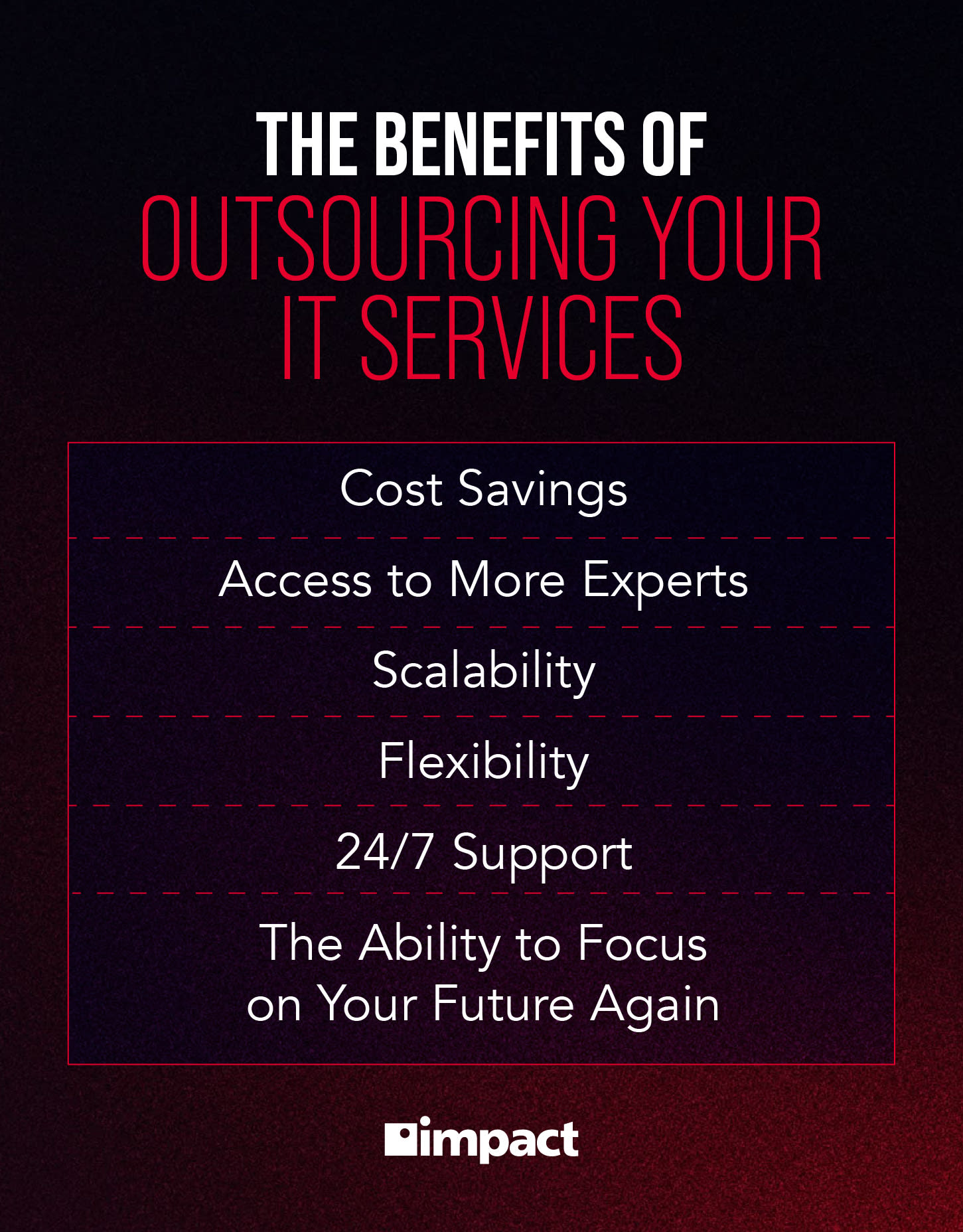
Here are five of the most impactful benefits of IT outsourcing to consider:
Cost Savings—Maintaining a full in-house IT team is expensive with salaries, benefits, training, equipment, and software licenses all add up quickly. Outsourcing converts these fixed costs into a more manageable, variable expense. You pay for what you need, when you need it, without the overhead of permanent headcount.
Access to Specialist Expertise—IT is a broad and fast-moving field, and no single in-house team can be experts in everything from cybersecurity and cloud architecture to software development and compliance. Outsourcing gives businesses instant access to a deep bench of specialists who live and breathe their respective disciplines, without the time and cost of recruiting and training them internally.
Scalability and Flexibility—As business needs change, outsourcing makes it easier to scale your IT support up or down in response to growth, seasonal demand, or shifting priorities.
Improved Focus on Core Business—When internal teams aren't bogged down managing infrastructure, troubleshooting networks, or chasing software updates, they can focus on the work that actually drives the business forward. One major benefit of outsourcing IT removes a significant operational burden, allowing leadership and staff to direct their energy toward strategy, customers, and growth.
Around-the-Clock Coverage—Many IT outsourcing providers, particularly offshore and nearshore partners, offer 24/7 monitoring and support. For businesses that operate across time zones or simply can't afford downtime outside of office hours, this kind of continuous coverage would be difficult and costly to replicate in-house.
What are the Challenges of Outsourcing Your IT?
While the benefits are compelling, IT outsourcing isn't without its difficulties. Being aware of the challenges of outsourcing IT upfront helps businesses plan for them and choose a partner better equipped to mitigate them.
Communication Barriers: Working across different time zones, languages, and cultures can create friction. Miscommunication around requirements, priorities, or deadlines is one of the most common pain points, particularly with offshore providers where overlap in working hours may be limited
Loss of Control: Handing over IT functions to an external party means accepting a degree of reduced visibility. Without the right oversight structures and reporting in place, it can be difficult to monitor quality, track progress, or course-correct quickly when things go wrong
Security and Data Privacy Risks: Sharing access to sensitive business systems and data with a third party introduces risk. If a provider doesn't meet the same security standards as your organization, it can create vulnerabilities or compliance issues, this is even more critical in regulated industries like finance or healthcare
Hidden Costs: While outsourcing is often positioned as a cost-saving measure, unexpected expenses can emerge. Contract overruns, charges for out-of-scope work, transition costs, and the price of fixing poor-quality output can all erode the anticipated savings. It’s important to understand your contract and the scope of work your MSP is tasked with
Vendor Dependency: Over time, businesses can become heavily reliant on a single outsourcing partner. If that relationship breaks down, or the provider increases prices, the cost and disruption of switching can be considerable
Quality Control: Without rigorous onboarding, clear service level agreements, and ongoing performance reviews, the quality of outsourced work can fall short of expectations, making governance and contract management an essential part of any outsourcing arrangement
How Much Does IT Outsourcing Cost?
IT outsourcing costs vary considerably depending on a number of factors, and there's no single figure that applies across the board. What you can consider now is what typically drives the cost.
The location of your provider is one of the biggest variables. Offshore providers in lower cost-of-living regions will charge significantly less than onshore equivalents.
The scope of services matters too; a fully managed IT arrangement covering multiple functions will naturally cost more than outsourcing a single service.
Provider experience and specialization also influence pricing. A highly accredited cybersecurity firm or a specialist cloud consultancy will command a premium compared to a generalist IT support company.
The size of your business and the complexity of your infrastructure play a role, as does the contract model — whether you're paying a fixed monthly retainer, on a per-user basis, or project by project.
Finally, don't overlook transition and setup costs, which are often underestimated but can represent a meaningful upfront investment when onboarding a new outsourcing partner. Plus, internally, consider the costs of changing or adding an MSP, literally, in cash, and in lost time or productivity.
How to Choose an IT Outsourcing Partner: Factors to Consider
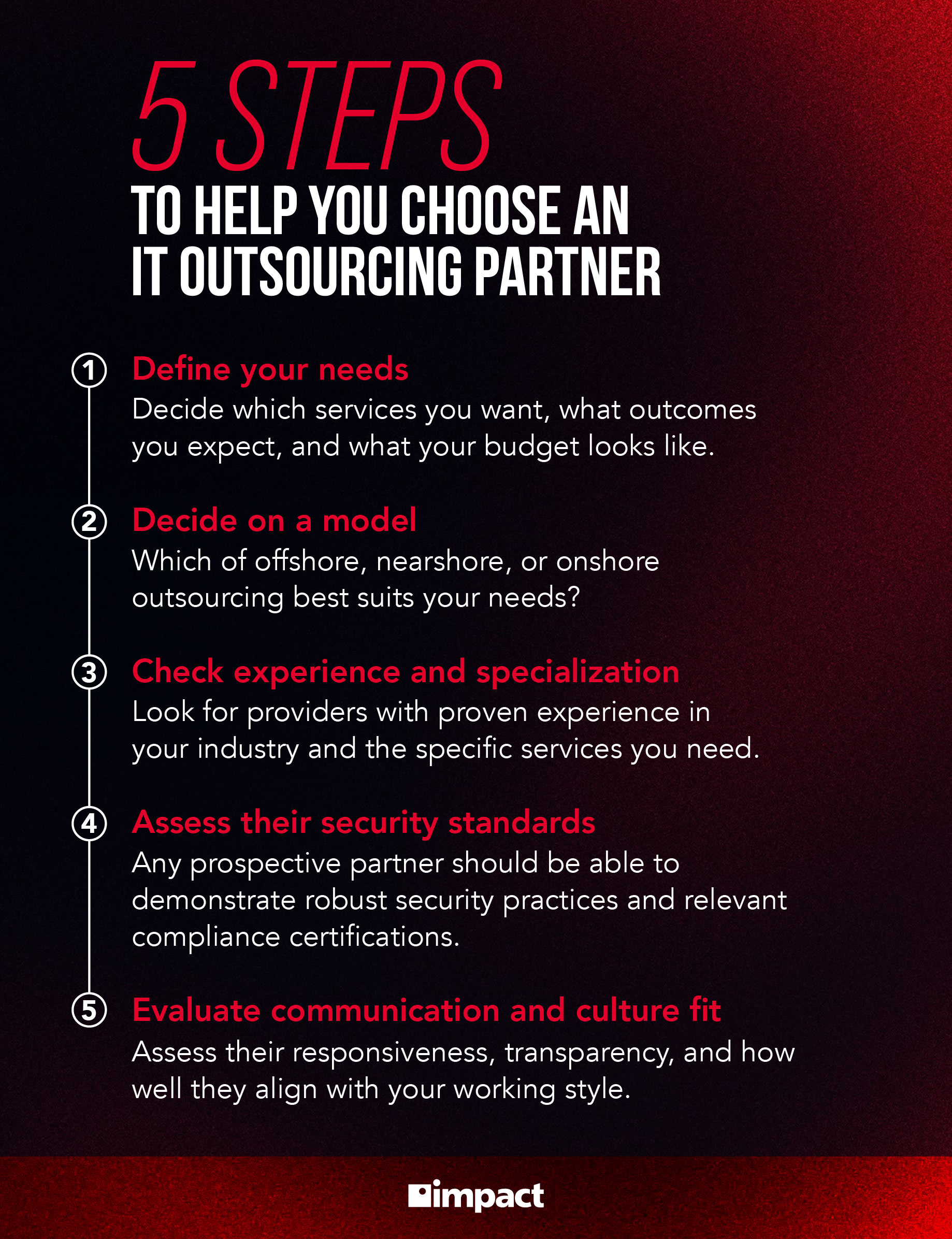
Choosing the right IT outsourcing partner is arguably the most important step in the entire process. Here's what to consider when deciding how to outsource IT support services:
Define your needs first—Before approaching any provider, be clear on which services you want to outsource, what outcomes you expect, and what your budget looks like. Vague briefs lead to misaligned expectations.
Decide on a model—Consider whether offshore, nearshore, or onshore outsourcing best suits your collaboration style, budget, and compliance requirements before shortlisting providers.
Check experience and specialization—Look for providers with proven experience in your industry and the specific services you need. Accreditations, case studies, and client references all matter.
Assess their security standards—Given the data privacy risks outlined above, any prospective partner should be able to demonstrate robust security practices and relevant compliance certifications. Ask questions about the potential MSP partner, like what certifications, facilities, and experience they have.
Evaluate communication and culture fit—A technically strong provider that's difficult to work with will cause problems. Assess their responsiveness, transparency, and how well they align with your working style during the evaluation process. You can judge an organization’s culture by touring their office or having meetings with their team, or, virtually, by watching content, if they have it.
Scrutinize the contract—Ensure service level agreements are clearly defined, covering response times, quality benchmarks, and what happens when targets aren't met. Watch for clauses that could lead to unexpected costs, contract lengths, extent of support, and more to ensure you’re getting exactly what you need.
What Does an Outsourced IT Partnership Look Like?
If you do decide to explore outsourcing your business’ IT, it’ll be with a managed service provider who will, essentially, become part of your team. That relationship becomes mission critical to your goals. Watch this webinar to see what a real MSP partnership looks like.
Dylan Grissom is a Senior Copywriter for Impact's in-house marketing team, where he mentors writers, conceptualizes projects through detailed, imaginative creative direction, crafted a new set of brand voice guidelines, and wrote the overall brand messaging guide.